6 Best Google Drive Alternatives in 2026 (Tested for Privacy, Storage, and Sharing)
Google Drive remains one of the world's most popular cloud storage platforms, but in 2026, more businesses and privacy-conscious users are actively searching for the best Google Drive alternatives.
The reasons are simple: increasing concerns about data ownership, vendor lock-in, privacy regulations, limited sharing controls, and the desire to keep sensitive information off third-party infrastructure.
Whether you're a freelancer handling client documents, an organization subject to compliance requirements, or simply someone who values data sovereignty, there are now several powerful options worth considering if you want to own your data.
In this guide, we compare six leading options based on:
- - Privacy and data ownership
- - Storage flexibility
- - Secure file sharing capabilities
- - Self-hosted cloud storage options
- - Export and migration freedom
- - Security features
- - Collaboration tools
Why People Switch Away From Google Drive
Google Drive is convenient, but convenience comes with trade-offs. Finding a suitable Google Drive alternative for business often comes down to these concerns.
1. Privacy Concerns
Many organizations prefer not to store confidential documents on infrastructure controlled by a large technology provider. Depending on your jurisdiction and industry, data residency and compliance requirements may make public cloud storage unsuitable.
2. Vendor Lock-In
Moving large amounts of data away from cloud providers can be time-consuming and costly. Before committing to any storage platform, it's important to test the export workflow. Lock-in is the cloud-storage version of a hostage situation.
3. Limited Sharing Controls
Google Drive's consumer plans provide relatively basic sharing functionality. Many businesses need:
- Password-protected links
- Link expiration dates
- Download limits
- Upload request links
- Per-link analytics
- Granular permissions
Advanced sharing workflows are increasingly becoming a requirement rather than a luxury.
4. Data Sovereignty
Organizations want full control over where files are stored, who can access them, and which laws govern that data. Self-hosted platforms provide a level of control that public cloud providers cannot match.
Feature Comparison Overview
| Feature | OpenPrivateDrive | Nextcloud | ownCloud | Seafile | SharePoint | Dropbox |
|---|---|---|---|---|---|---|
| Self-hosted | ✓ | ✓ | ✓ | ✓ | Partial | ✗ |
| Data ownership | ✓ | ✓ | ✓ | ✓ | Partial | ✗ |
| Password links | ✓ | ✓ | ✓ | ✓ | ✓ | ✓ |
| One-time upload links | ✓ | Limited | Limited | Limited | ✗ | ✗ |
| Data sovereignty | ✓ | ✓ | ✓ | ✓ | Partial | ✗ |
| Mobile apps | ✓ | ✓ | ✓ | ✓ | ✓ | ✓ |
| Vendor lock-in risk | Low | Low | Low | Low | Medium | High |
1. OpenPrivateDrive
Best for Privacy, Ownership, and Secure Client File Exchange

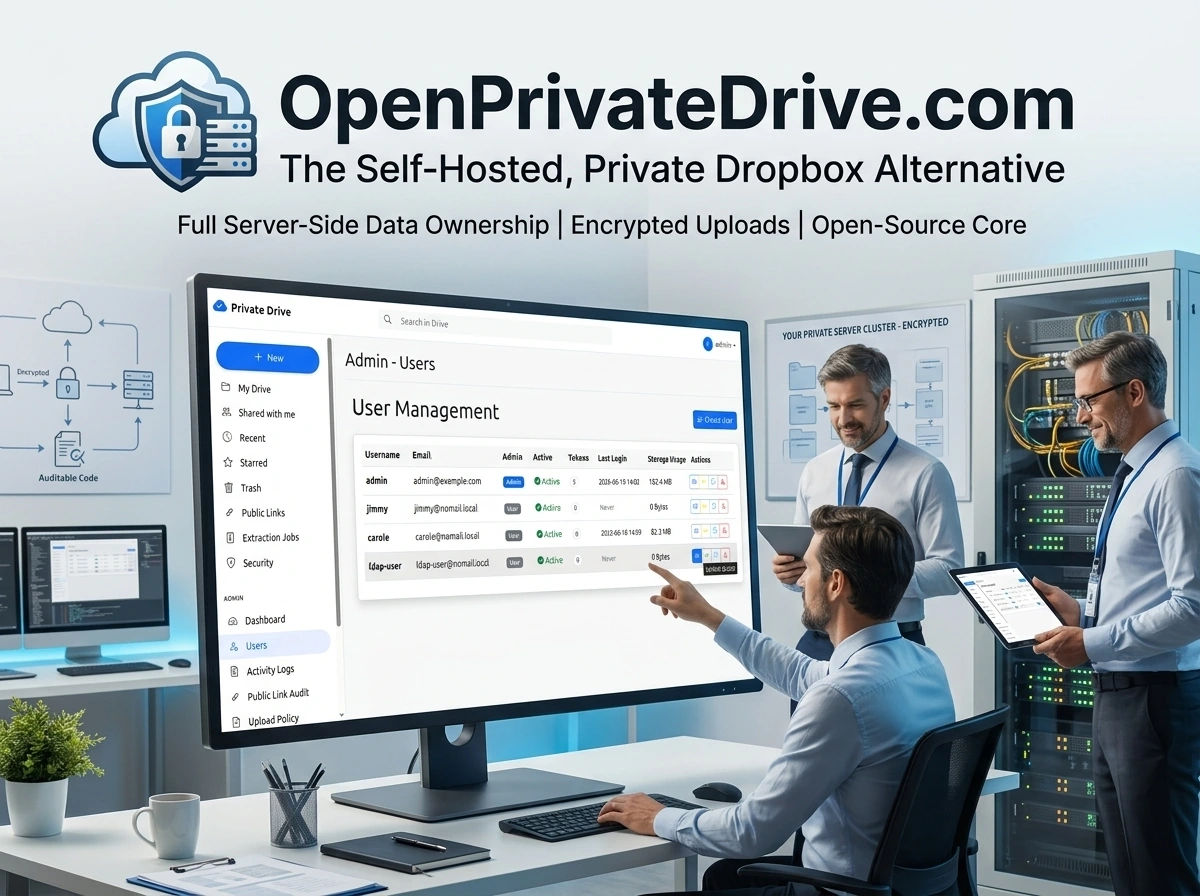
OpenPrivateDrive is designed for organizations that want complete ownership of their data without relying on public cloud providers. Unlike traditional SaaS storage platforms, OpenPrivateDrive runs on your own infrastructure, allowing you to control exactly where data resides and who can access it.
Why OpenPrivateDrive Stands Out
Most Google Drive alternatives focus on storage. OpenPrivateDrive focuses on ownership.
Key differentiators:
- Deploy on infrastructure you control
- No dependency on public cloud providers
- AES-256-GCM encrypted uploads
- One-time secure upload links
- Strict user isolation
- Full-text search and previews
- Native Android support
- Simple export workflow
- No SaaS lock-in
Pros
- Complete infrastructure ownership
- Strong privacy model
- Secure client file collection
- AES-256-GCM encrypted uploads
Cons
- Requires self-hosted deployment
- More responsibility for infrastructure management
2. Nextcloud
Best Open-Source Collaboration Suite

Nextcloud has become one of the most popular self-hosted alternatives, functioning as a powerful Nextcloud alternative for many. Beyond file storage, it offers collaboration tools including calendars, contacts, video conferencing, and document editing integrations.
Pros
- Open source
- Huge ecosystem
- Self-hosted
- Active community
Cons
- Can become complex
- Higher maintenance overhead
- Performance may require tuning
3. ownCloud
Best for Enterprise File Synchronization

ownCloud is one of the pioneers of self-hosted file storage. It focuses heavily on enterprise deployments, synchronization, governance, and controlled sharing.
Pros
- Enterprise-grade governance
- Compliance features
- Mature platform
Cons
- Smaller ecosystem
- Some advanced features are commercial
4. Seafile
Best for Performance and Large File Libraries

Seafile is known for exceptional synchronization performance and efficient storage management. Organizations managing large document repositories often choose Seafile because of its speed and low resource requirements.
Pros
- Excellent sync speed
- Efficient storage
- Low server requirements
Cons
- Smaller community
- Fewer collaboration features
5. Microsoft SharePoint
Best for Microsoft 365 Organizations

SharePoint remains a popular choice among enterprises already invested in Microsoft 365. It combines document management, intranet capabilities, workflow automation, and collaboration features.
Pros
- Deep Microsoft integration
- Enterprise-grade permissions
- Strong workflow automation
- Mature document management
Cons
- Complex administration
- Steeper learning curve
- Less appealing for organizations seeking cloud independence
6. Dropbox
Best for Simplicity
Dropbox helped define modern cloud storage and remains one of the easiest platforms to use. Its clean interface and reliable synchronization continue to attract users who prioritize simplicity. But many are looking for a more secure Dropbox alternative.
Pros
- Easy setup
- Reliable sync
- Good sharing experience
- Strong cross-platform support
Cons
- Fully SaaS-based
- Less control over data location
- Limited privacy compared to self-hosted solutions
- Subscription costs scale with storage needs
Before Choosing Any Cloud Storage Provider, Test the Export Path
Many organizations evaluate storage, but forget to evaluate escape routes.
Ask these questions:
- Can you bulk-export all files?
- Are original formats preserved?
- Can you migrate without proprietary tools?
- Is metadata retained?
The best storage platform is the one you can leave whenever you choose.
Why More Organizations Are Choosing OpenPrivateDrive in 2026
Businesses are increasingly moving away from public-cloud dependency and toward infrastructure they control.
OpenPrivateDrive combines modern file sharing, encrypted uploads, secure client file collection, and complete data ownership in a single self-hosted platform.
If privacy, compliance, and long-term control matter to your organization, OpenPrivateDrive offers a compelling Google Drive competitor without sacrificing usability.